
 YouHired
YouHired Blog
The latest insights, career advice, and product updates built specifically for developers aiming to level up.
What Actually Proves an Engineer’s Capability?
Hiring a Software Engineer is not about finding someone who uses the right technologies.Two engineers may have the same technology stack, similar years of experience and almost the same resume. But that doesn’t necessarily mean they are equally capable.One may have worked on the system that already existed. Another may have designed parts of the system, worked through production issues or made decisions that shaped the system in a particular way.They both have experience. It’s just different types of experience.This is where technical hiring has to dig beyond what a candidate wrote on their profile and consider what they have actually done.Knowing a technology and being able to work with it are not the same thingsTake a backend engineer who has worked with Java, Spring Boot, AWS and microservices.That’s a solid backend engineer profile. But what does it actually say? Did the candidate design their own systems? Have they worked on performance problems or have they simply built features on top of the existing architecture? These are all different things and shouldn’t be evaluated the same way.Before even thinking about how to assess the capabilities of a candidate, hiring teams need to have an understanding of what a role actually requires. Otherwise, technical candidate assessment is nothing but keyword matching.What does the evidence actually say?A github profile can expose repositories, commits and pull-requests. A project can show the implementation paths taken. A technical discussion can demonstrate thought processes.All of these, in turn, can be great pointers. None of them, on the other hand, provides the full picture.Having a lot of commits doesn’t always mean that someone owns a project. The candidate may have contributed to a private repo (which isn’t public). Someone may have a great portfolio but little practical experience in production issues. It’s about seeing individual evidence for what it is and connecting it to the bigger picture.Activity will tell you what has happened, context will help you understand how much influence someone has had.Four things worth understanding about a candidateWhen it comes to engineering capability, there are four questions worth asking.1. What did they actually do?Understand the work behind the job title. Did they build a feature, improve an existing service, resolve an incident or contribute to a bigger project?2. What did they own?Contribution and ownership are not the same thing. Someone can make an important contribution, but not own the architecture or the final result. Both are valuable, but different.3. What was the problem?The same task can require wildly different approaches depending on the system, constraints, scale, team and much more. Without understanding the circumstances, it’s hard to assess the actual contributions.4. What changed because of their work?Did the performance improve? Did the system become more reliable? Was a difficult problem resolved? Sometimes it’s not a number, but changes to the system that are worth asking about. The candidate may not be able to quantify it, but should be able to explain change and why it mattered.These questions won’t lead to hiring decisions, but they do provide hiring teams with something much more valuable than a list of skills and responsibilities.Putting the evidence to use for the roleNot every impressive project makes someone a right fit for a specific position.A developer who has worked with distributed systems is a good candidate for a backend engineering role. But the hiring team will still need to understand their contribution and determine if that experience translates into solving the problems the new role will be dealing with.This is where structured interviews, project discussions and role specific technical tests come in handy. They connect the evidence, contribution, experience and capabilities needed to perform a job.The goal is to make better decisions, not to gather information.From experience to evidenceTechnical hiring will always have an element of uncertainty. Any profile, assessment, or interview will only provide partial information and no hiring decision is ever completely safe. But that doesn’t mean that every hiring decision has to rely on incomplete signals.At YouHired, we’re always looking at ways to connect professional contributions, project context and demonstrated capabilities more closely to real-world opportunities. Because matching a candidate to a job description is only one part of the equation.The bigger question is, what do we know about their capabilities and what is the evidence behind it?
YouHired Team
October 10, 2026
Latest Articles
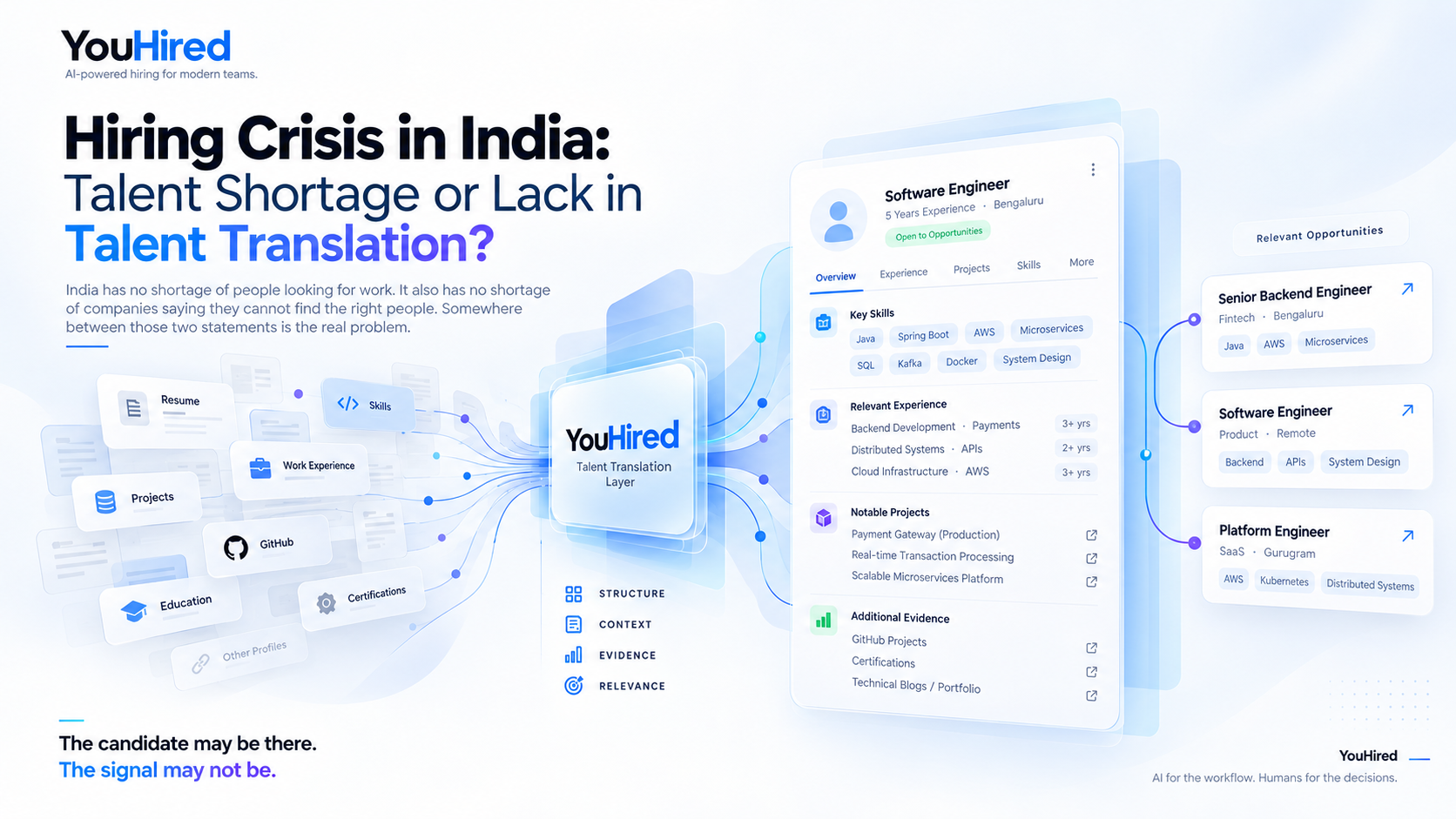
Hiring Crisis in India: Talent Shortage or Lack of Talent Translation?
YouHired Team
Oct 5, 2026
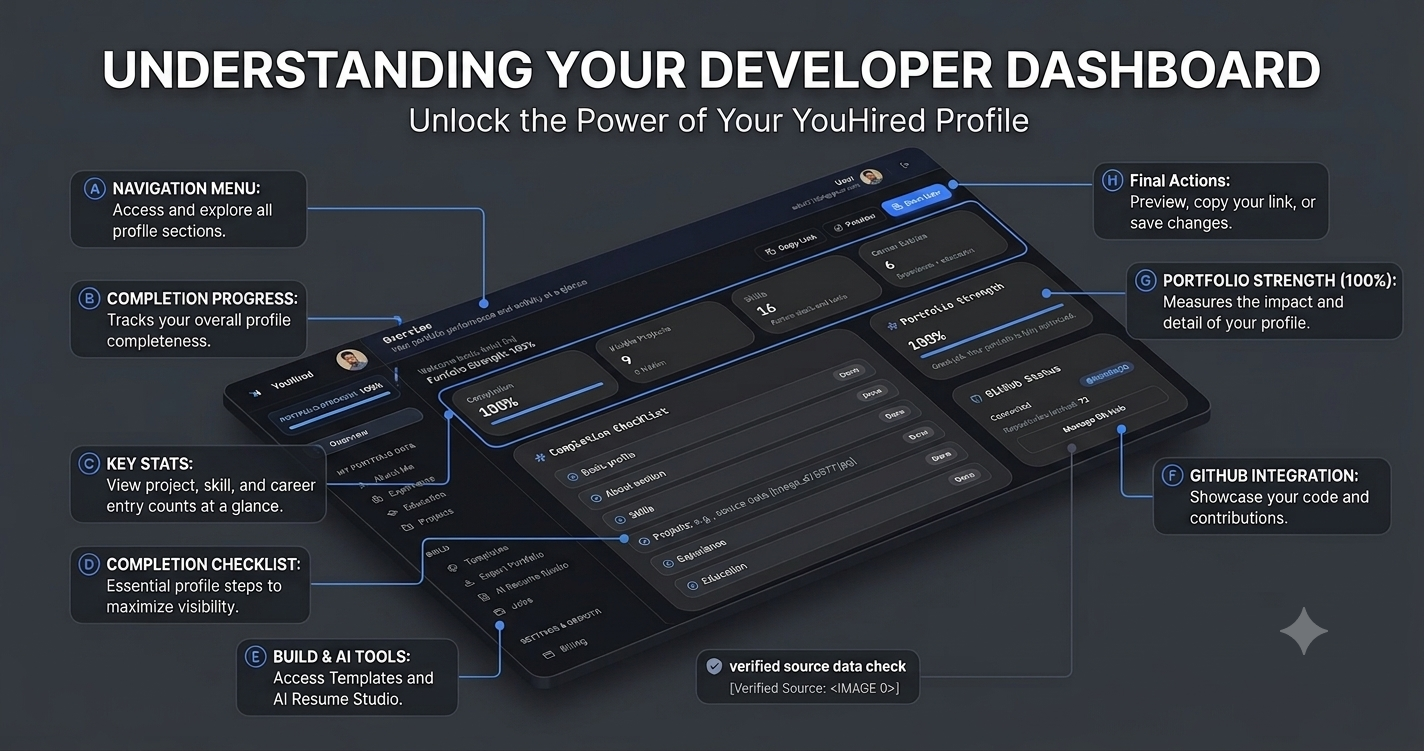
Understanding your Developer Dashboard: The Ultimate Command Center for Tech Careers in 2026
YouHired Team
Jul 21, 2026

Build Your Dream Developer Portfolio with YouHired
YouHired Team
Jul 7, 2026
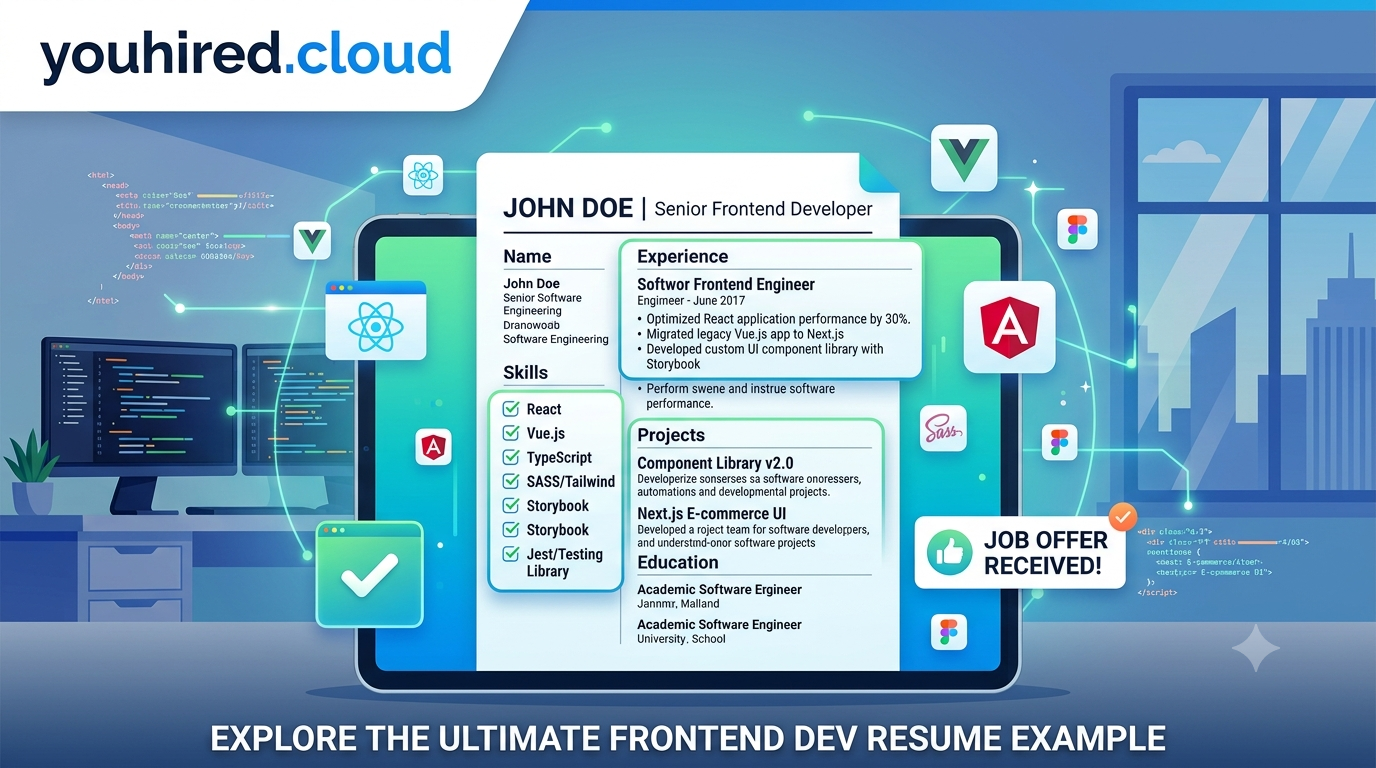
Frontend Developer Resume Example & Writing Guide 2026
YouHired Team
Jul 6, 2026
Software Engineer Resume Example: The Ultimate 2026 Guide
YouHired Team
Jul 6, 2026
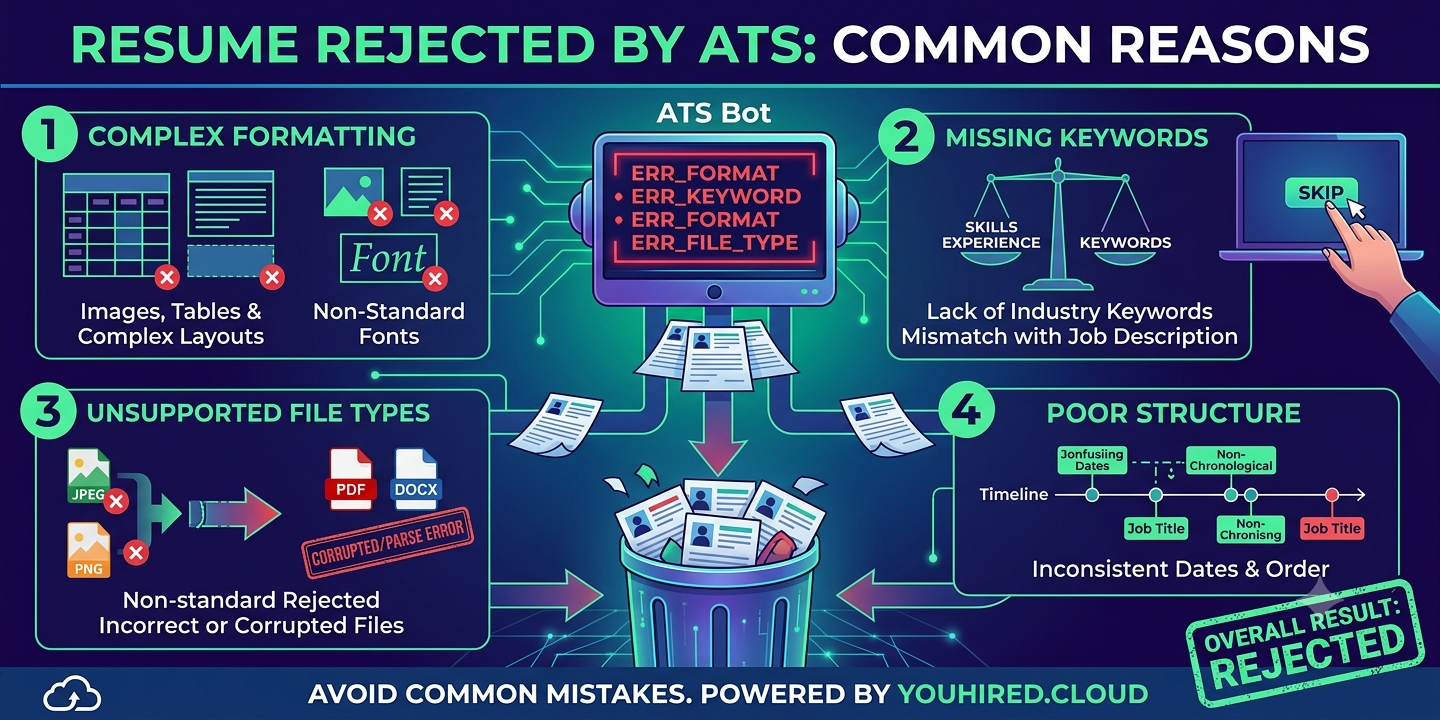
Why Is My Resume Rejected by ATS? 7 Common Reasons (And How to Fix Them)
YouHired Team
Jun 23, 2026
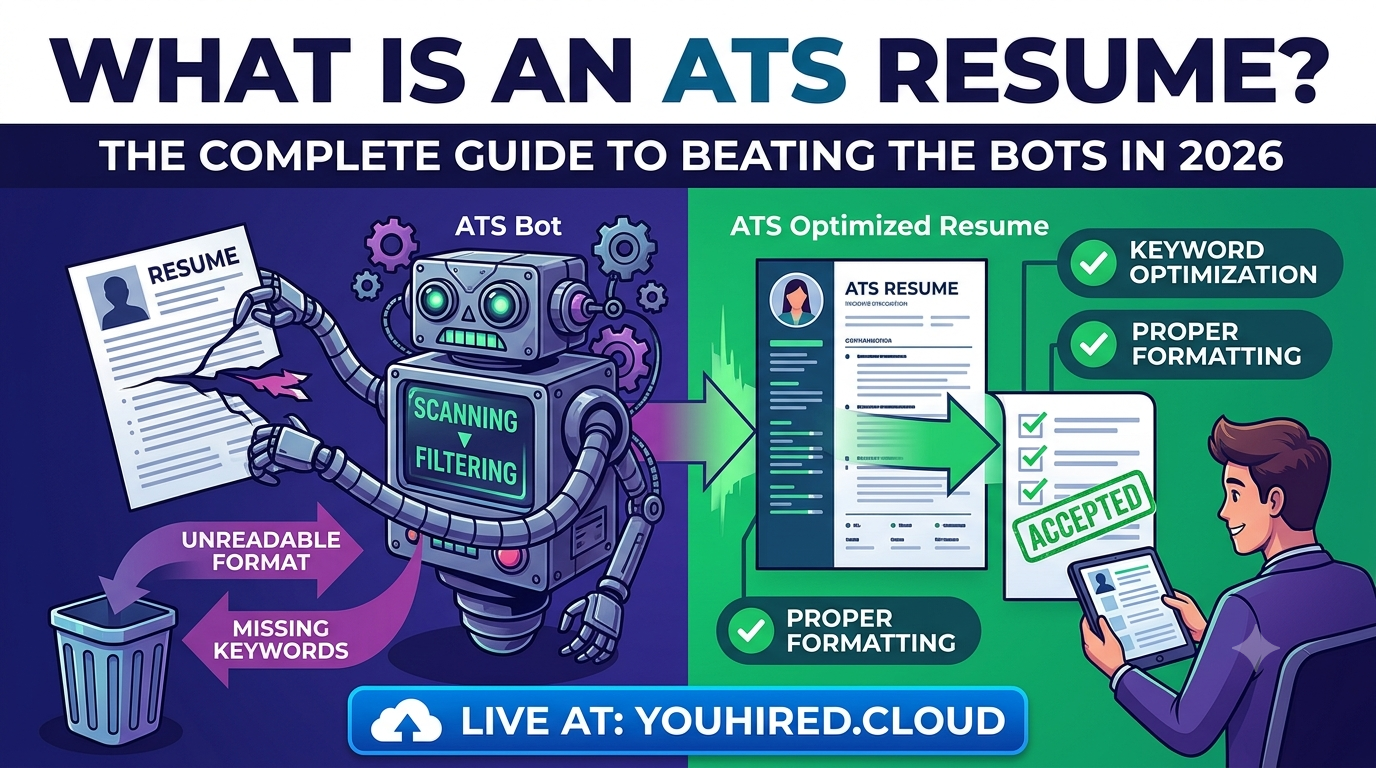
What Is an ATS Resume? The Complete Guide to Beating the Bots in 2026
YouHired Team
Jun 23, 2026
The Ultimate Guide to Technical Interviews: Ace Your Next Coding Job
YouHired Team
Jun 22, 2026

ATS Systems Don't Hate Developers: How to Fix a Vague Resume
YouHired Team
Jun 22, 2026